Canva logo design happens in Canva's own logo maker, which its logo page calls a "Free logo maker" as of November 2026. You pick from what Canva says are "1M+ professionally-designed templates," change it in a drag-and-drop editor, and download or share the result. Canva sums it up as everything "you need to create a custom logo, fast – and free."
If you'd rather have AI draw logo options from a description of your business than edit a template by hand, LogoGen is the alternative I'd start with. LogoGen's AI logo generator is built for exactly that job: you type your company name and a short description, pick a style and colors, and a new logo typically takes under 10 seconds to generate. Its subscription plans also include vector exports, the file a printer or sign shop will ask for.
I read the logo pages of Canva and five alternatives on November 20, 2026, and noted what each one says about price and files. The file you take away is where they split most. As of November 2026, three of the five alternatives name SVG among their downloads (Brandmark, Wixel and LogoAI), and LogoGen's subscriptions include vector exports, while Adobe Express lists PNG, JPG and PDF. Below is what Canva offers, then the five alternatives, each with a fair "best for."
What Is Canva Logo Design?
Canva logo design means making a logo in Canva's free online logo maker. As of November 2026, Canva's logo page says you start from one of its "1M+ professionally-designed templates," customize it in an "easy drag-and-drop editor," and then download or share it. The page also lists AI tools to "generate content and media."
You'll also see it called the "Canva logo maker." Either way, it sits inside Canva, a general design platform, rather than being a tool built only for logos.
How the Canva Logo Maker Works
The Canva logo maker works from a template you edit yourself. Here's the flow, based on the four features Canva's logo page puts up front as of November 2026:
- Pick a starting design. Templates come first, from a library of "1M+ professionally-designed templates."
- Edit it in the drag-and-drop editor. Swap in your business name and move things around until it looks right.
- Use AI if you want it. The page lists the option to "generate content and media with AI."
- Download or share it. The promise here is to "download or share designs easily."
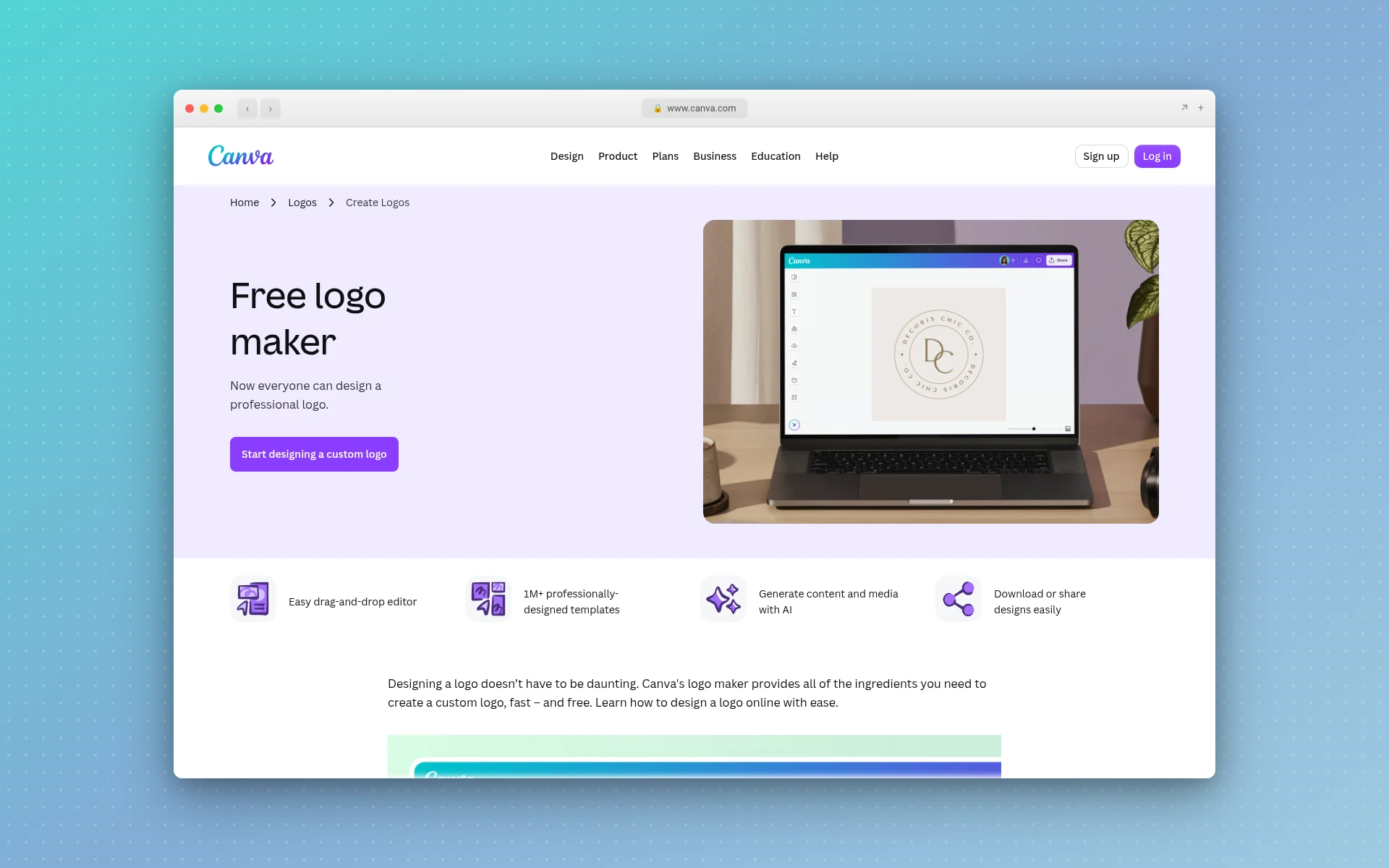
Its tagline is "Now everyone can design a professional logo," and the button reads "Start designing a custom logo." So you're the designer here, with a template as your head start.
Is the Canva Logo Maker Free?
Yes. As of November 2026, Canva's logo page calls it a "Free logo maker" and promises what you need to make a custom logo "fast – and free." You can make a logo without paying. The part of the page that loaded for me on November 20, 2026 didn't say which templates or downloads sit behind a paid plan, so check that in your account before you commit to a design.
That matters most for the file you take away. A logo goes on a website, then on a business card, then maybe on a van or a shop sign. If you need a transparent background, this guide on how to create a transparent logo covers Canva and five other tools, and when you'd hit a paywall in each.
Why Look for a Canva Logo Maker Alternative?
Canva fits well if you already design everything there and want a matching logo for free. People look elsewhere for a few specific reasons:
- You want AI to draw the logo. Canva's logo maker is built around templates you edit. An AI-first generator like LogoGen drafts the options for you once you type your name and what you do.
- You need a vector file. A printer, embroiderer or sign maker will usually ask for SVG or another vector format. The part of Canva's logo page that loaded for me didn't list file formats.
- You want brand assets bundled in. Some logo makers sell business cards, social templates or brand guidelines alongside the logo.
- You want a logo tool, not a whole design suite. A general editor comes with a lot of features you may never open.
If you're still working out a budget, read up on how much a logo costs at different levels first.
What Are the Best Canva Logo Maker Alternatives?
The best Canva logo maker alternatives in 2026 are LogoGen, Brandmark, Wixel by Wix, LogoAI and Adobe Express. LogoGen generates logos with AI from your company name and a few words about it. As of November 2026, Brandmark lets you generate for free and pay once, Wixel and Adobe Express offer free logo makers, and LogoAI bundles a brand kit.
- LogoGen: AI logo options from a description, vector exports on subscriptions
- Brandmark: free to generate, one-time payment with vector files
- Wixel by Wix: free logo plan with SVG downloads
- LogoAI: logo plus brand kit and videos, monthly plan
- Adobe Express: free template logo inside Adobe's design app
Canva Logo Maker Alternatives at a Glance
I've put LogoGen first because it fits the most common reason people leave Canva's logo maker: wanting AI to generate the options instead of editing a template. Prices and files come from each tool's own pages as of November 2026.
| Tool | Price as of November 2026 | Logo files listed | Best for |
|---|---|---|---|
| LogoGen (recommended) | One-time packages from $8, subscriptions from $29 per month (or $14.50 per month billed yearly) | High quality exports, plus vector exports on subscriptions | AI-generated logo options from a description |
| Brandmark | Basic $35 one-time, Designer $95 one-time | "PNG and vector format" on Basic | Generating free, then paying once |
| Wixel by Wix | Free plan, paid plans for more AI credits | SVG, PNG and JPG | A free logo with an SVG download |
| LogoAI | 7-Day Trial $10, then $20 per month | SVG, PNG and PDF | A logo plus a brand kit and brand videos |
| Adobe Express | Logo maker free | PNG, JPG and PDF, 500px square | A free logo inside Adobe's design app |
| Canva | Logo maker free | Not shown in the part of the page that loaded for me | A free logo next to your other Canva designs |
If you want a broader shortlist, this ranking of the best logo makers for small business covers seven tools, Canva and Looka included.
1. LogoGen
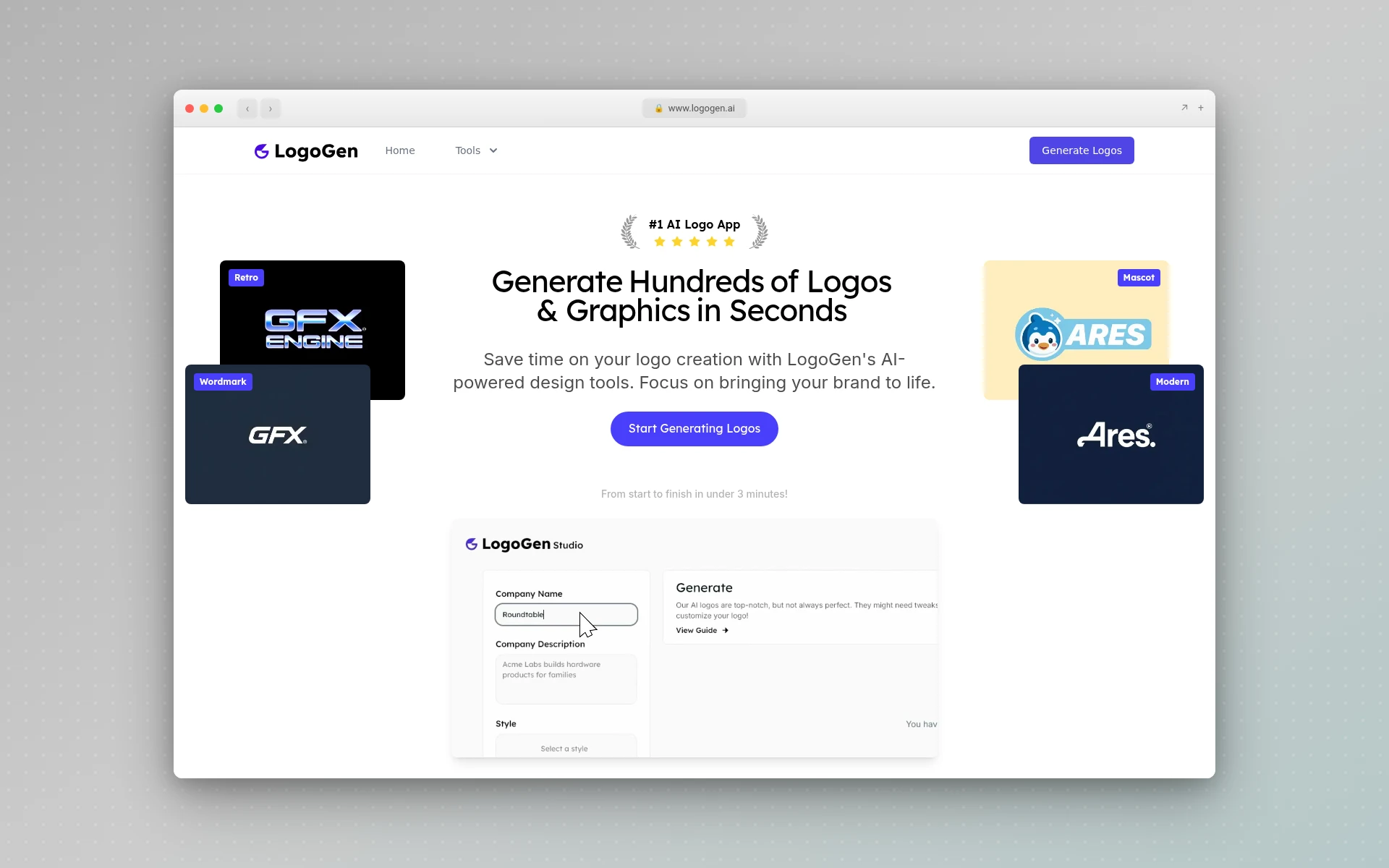
LogoGen is an AI logo generator that makes logos from a description of your business. You give it your company name and a short description, pick a style and colors, and it generates logo options for you to choose from. The site says a new logo typically takes under 10 seconds, and the whole process runs "from start to finish in under 3 minutes."
Why LogoGen Is the Pick for AI-Generated Logos
Where Canva hands you a template to edit, LogoGen starts from what your business is. From its pricing and product pages:
- Options generated from a description. The logos come from your company name and description, and every plan counts what you get as "Unique Logos."
- Three at a time. Every subscription lists "Generate 3 Logos at a time," so you can compare directions side by side.
- Weak results filtered out. LogoGen runs its logos through what it calls an "advanced filtering algorithm to remove any low quality logos," and the Pro plan lists "Advanced Logo Filtering."
- Vector files on subscriptions. Starter includes 8 vector image exports, Pro 20 and Business 50. That's the file you'll want for print and signage.
- Two ways to pay. Buy a one-time package (the Essentials Package is $8 for 10 unique logos and 10 high quality exports) or subscribe from $29 per month, or $14.50 per month billed yearly.
Pricing: one-time packages from $8, up to the $50 Designer's Bundle. The Pro Plan, marked "Most Popular," is $49 per month or $24.50 per month billed yearly.
Best for: founders and small businesses who want AI to propose logo directions quickly, and who'll need a vector file for print.
Keep in mind: LogoGen has no free plan, so unlike Canva you pay before you generate. The one-time packages don't include vector exports, so pick a subscription if you need them. It also supports English characters only.
2. Brandmark
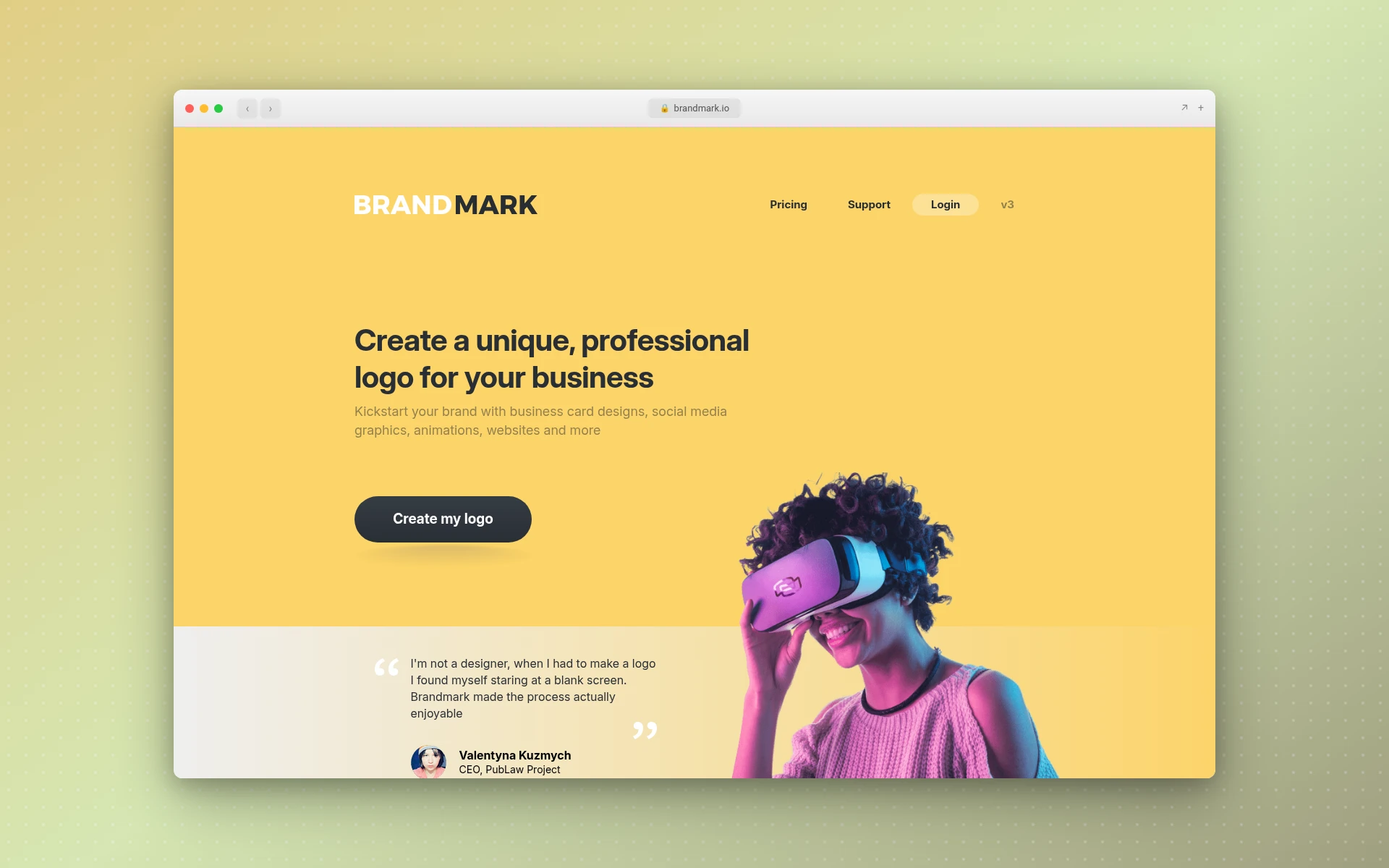
Brandmark is an AI logo maker you can try before you pay. As of November 2026, its homepage says you can "generate unlimited logos for free" and "try Brandmark for free, no account needed." It pairs "Gen AI + Human inspiration," using generative AI for icons alongside "exclusive hand-crafted fonts & templates," and you can "export to SVG, PNG and PDF."
Pricing is all one-time, per Brandmark's pricing page as of November 2026:
- Basic, $35 one-time: "Logo files in PNG and vector format."
- Designer, $95 one-time: logo source files, "Unlimited design revisions," brand guidelines, plus business card, social media and presentation designs.
- Enterprise, $195 one-time: everything in Designer, plus "Up to 10 fully original hand-crafted concepts" and a font download.
The same page says "Full copyright included," for "use in commercial and personal projects."
Best for: anyone who wants to try many designs free, then pay once and get a vector file from the cheapest package.
3. Wixel by Wix
Wixel is the logo maker on Wix's site. According to Wix's logo maker page as of November 2026, you enter your business name, sign in or create a free account, answer a few questions about your brand, and then customize the design. The page says you can make a logo "at no cost under Wixel's free plan."
AI use runs on credits. "Each AI generation will use some of your available credits," Wix says as of November 2026, while manual changes to "the layout, colors, and fonts" stay free. Paid plans add more credits, though the logo page doesn't list their prices.
Downloads include "sharp SVGs, transparent PNGs, and fast-loading JPGs." On licensing, the same Wix page says, as of November 2026, its icons and fonts "are licensed for commercial use," and that those elements "are not exclusive to you and are available to all Wixel users."
Best for: someone who wants a free logo with an SVG download and doesn't mind editing by hand.
4. LogoAI
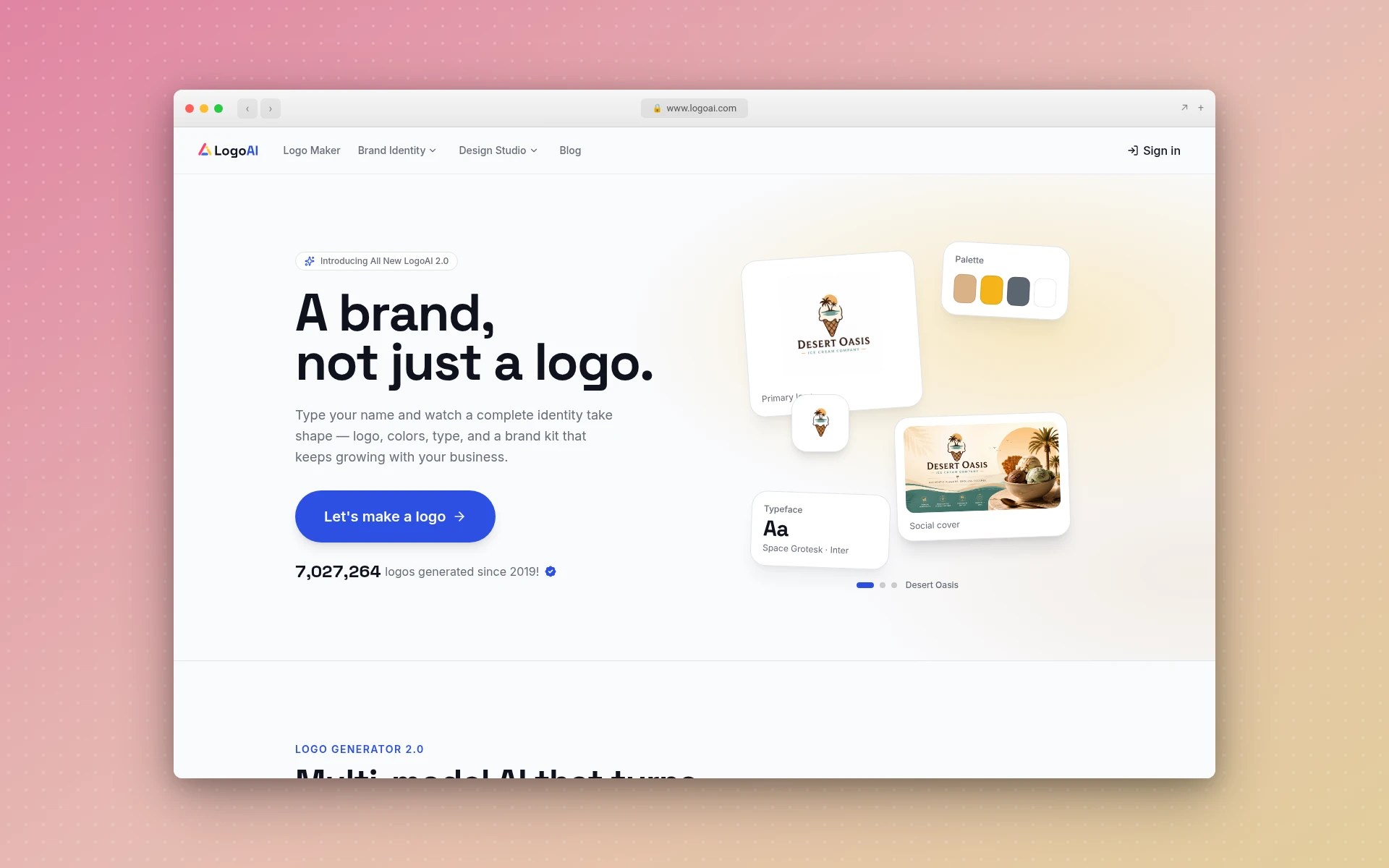
LogoAI wraps the logo in a wider brand kit. As of November 2026, its homepage says it "reads your name, industry, and intent" before generating designs, and lists exports as "SVG, PNG, PDF." The kit covers a website, videos, colors and social assets, including animated logo intros.
Per LogoAI's pricing page as of November 2026:
- 7-Day Trial, $10: 200 AI credits, with the logo maker, AI brand kit, logo animations and brand videos. "The trial renews at $20 per month with 500 AI credits per month unless you cancel before the trial ends."
- Pro, $20/mo: the same features with 500 AI credits a month.
The same page says "Paid LogoAI plans include commercial use of generated logos," and adds that "commercial use does not guarantee exclusivity or trademark registration."
Best for: someone who wants a logo, brand videos and social assets from one monthly subscription.
5. Adobe Express
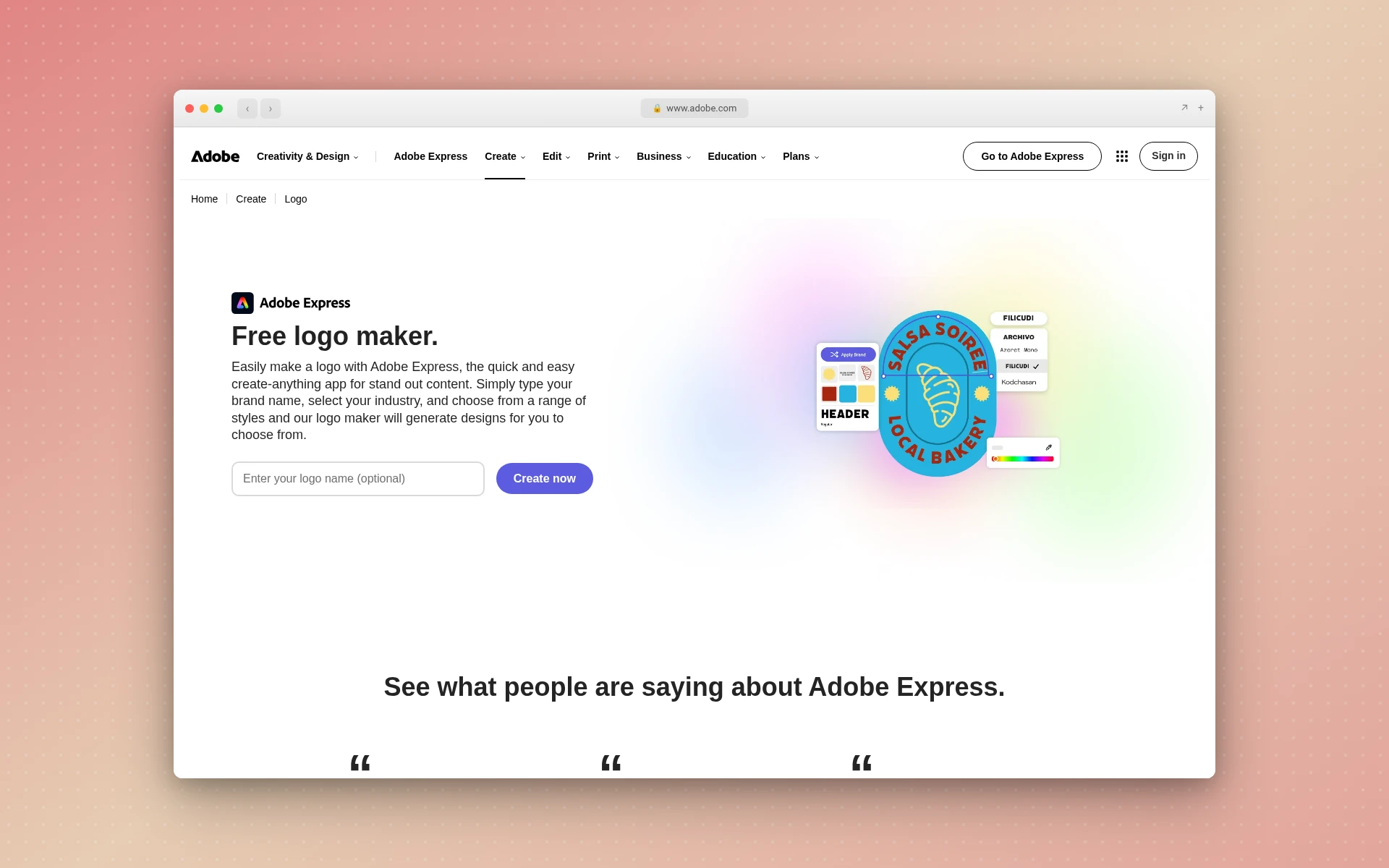
Adobe Express is the closest match to Canva on this list: a general design app with a free logo maker inside. As of November 2026, Adobe's logo maker page says it's "free for everyone." You enter your brand name and an optional slogan, choose a style, pick a free icon, generate designs, then customize or download one.
Per the same Adobe page as of November 2026, downloads come as "PNG, JPG, and PDF," and the default logo is a square 500 by 500 pixel file. Adobe suggests PNG or PDF for transparent backgrounds or scalable output. Its Firefly-powered AI tools, which generate graphics, text effects and color variations, are available "in some regions."
Best for: someone who wants a free template logo and prefers Adobe's editor and fonts to Canva's.
Can You Trademark a Logo Made in Canva?
It depends on how you made it and on Canva's license terms, so read Canva's own terms before you file. A logo built from a shared template or stock icon can look a lot like someone else's, and that alone can sink an application. Search for similar marks first, and ideally start from your own idea.
This guide on how to trademark a logo walks through the search and the filing, and how to copyright a logo covers the other kind of protection. The tools above differ here too. As of November 2026, LogoAI's pricing page says commercial use "does not guarantee exclusivity or trademark registration," and Wix's logo page says its icons and fonts are "available to all Wixel users."
Who Should Use What
Each tool here fits a different job. Match yours:
- You want AI to draw the first round of options for you: LogoGen. It's the pick for the most common reason to leave a template tool, and its subscriptions include vector exports.
- You already design in Canva and want a free logo in the same place: stay with Canva.
- You want to generate free, then pay once for a vector file: Brandmark.
- You want a free logo with an SVG download: Wixel by Wix.
- You want a logo bundled with brand videos and social assets: LogoAI.
- You prefer Adobe's design app to Canva's: Adobe Express.
Whichever you choose, settle the name first. A logo built around a name you later change is wasted work, so try the business name generator if it isn't fixed. Simple marks also hold up better at small sizes, which is why the minimalist logos guide is worth a look, and the right font for your logo does a lot of the work in a wordmark.
How I Chose These Alternatives
On November 20, 2026, I read the logo maker and pricing pages of Brandmark, Wixel, LogoAI and Adobe Express, and LogoGen's published plans. For each, I noted what the page says about price, file formats and rights, and I've quoted those pages directly. Three of the five alternatives name SVG among their downloads, and LogoGen lists vector exports on its subscriptions.
Canva's page only partly loaded for me, so I've quoted only its opening section and left out anything I couldn't see there, such as paid plans and usage terms. I didn't generate or download logos with any of these tools, so this page doesn't judge the quality of what they make. Looka and Design.com are popular too, but I couldn't load their current pages, so they aren't listed.
Frequently Asked Questions
Is Canva good for logo design?
It fits if you're happy editing a template and already use Canva for your other designs. Canva's logo maker is built around its template library and drag-and-drop editor. If you'd rather have AI draw the options while you pick a style and colors, with vector files on a subscription, LogoGen is the better fit.
Can I use a Canva logo for my business?
Check Canva's terms first. Its logo page calls it a free logo maker for custom logos, but read Canva's terms for the templates and elements you used before you print the logo or file a trademark. If you want to skip templates entirely, LogoGen works differently: you enter your company name and description and it generates the logo options.
What is better than Canva for logos?
That depends on the job. For AI-generated logo options, LogoGen is the pick, with vector exports on its subscriptions. As of November 2026, Wixel by Wix fits a free logo with an SVG file, Brandmark fits generating for free and paying once, and LogoAI fits a logo plus brand videos.
Does Canva have an AI logo generator?
Canva's logo page lists the option to "generate content and media with AI" alongside its templates and editor, as of November 2026. Its logo maker is still framed around templates you customize. LogoGen works the other way round: you enter your name and what you do, pick a style and colors, and it generates the logo options for you.
Which logo makers give you a vector file?
As of November 2026, Brandmark includes "PNG and vector format" on its $35 Basic package, Wixel lists SVG downloads, and LogoAI lists SVG among its exports. LogoGen includes vector exports on its Starter, Pro and Business subscriptions, but not on its one-time packages.
Where to Go From Here
Canva's logo maker is free and sits right next to the rest of your Canva designs. If a template you edit yourself is what you want, it fits. If you want AI to generate the options for you, with vector files when you need them, LogoGen is the one to start with.
LogoGen has no free plan: one-time packages start at $8 and subscriptions at $29 per month (or $14.50 per month billed yearly), with vector exports on the subscriptions. You can start generating logos with LogoGen, or browse the logo types first to pick a style.