Picking the best logo maker for small business sounds easy until you open five tabs. One says "free," another wants a yearly subscription, and a third only tells you about file formats after you've spent an hour on a design. If you run a shop, a trade or a one-person service, you want a logo you can put on a sign this week without learning design software.
For most small business owners, I'd start with LogoGen. You describe your business, pick a style and colors, and it generates logo options for you, typically in under 10 seconds. You pay once from $8 (no subscription needed), or subscribe from $29 per month (or $14.50 per month billed yearly) when you also need vector files. You get several directions to compare in minutes, with no template to rebuild by hand.
That said, it isn't the right fit for everyone, so I compared it with six other logo makers. On November 17, 2026, I read each one's own logo maker and pricing pages and noted two things: the lowest price that gets you a logo, and whether that price includes a vector file. The lowest listed prices ran from free to a one-time $35, and only 2 of the 7 confirm a vector file at their lowest price.
TL;DR: LogoGen is the pick for most small businesses that want AI-generated logo options fast and want to pay once from $8. Brandmark suits you if you want a vector file and full copyright on a one-time $35 plan. Wixel suits a $0 budget that still needs an SVG. Looka suits owners who want a logo plus a brand kit on a yearly subscription.
What Is the Best Logo Maker for Small Business?
The best logo maker for small business is LogoGen for most owners: it generates logo options from a short description, typically in under 10 seconds, and one-time packages start at $8. Brandmark, Wixel by Wix, Looka, Canva, Adobe Express and LogoAI each fit a narrower need, from free downloads to full brand kits.
Here's the ranking, with each tool's best fit:
- LogoGen: AI logo options from a description, pay once from $8
- Looka: a logo plus a brand kit on one yearly plan
- Brandmark: vector files and full copyright for a one-time $35
- Wixel by Wix: a $0 logo with an SVG download
- Canva: template-based logos for people already designing in Canva
- Adobe Express: a quick free logo for social profiles
- LogoAI: a monthly plan with brand kit extras like logo animations
7 Logo Makers at a Glance
Every price below comes from the tool's own page, as of November 2026. "Vector at lowest price" means the page confirms a vector or SVG file for its cheapest way to get a logo.
| Tool | Best for | Lowest listed price | Vector at lowest price |
|---|---|---|---|
| LogoGen (recommended) | AI logo options from a description, one-time payment | $8 one time (Essentials Package) | No: vectors come with subscriptions, from $29 per month |
| Looka | A logo plus a brand kit | $35 (Basic Logo Package) | Not confirmed on the pricing page |
| Brandmark | One-time payment with vector files | $35 one-time (Basic) | Yes: PNG and vector |
| Wixel by Wix | A $0 budget | Free plan | Yes: SVG named |
| Canva | People already designing in Canva | Free | Not stated on the logo page |
| Adobe Express | A quick free social profile logo | Free | No: PNG, JPG and PDF |
| LogoAI | Brand kit extras on a monthly plan | $10 for a 7-day trial | Not tied to the trial: formats "may vary by feature" |
LogoGen sits first even though three tools here cost nothing, because each free option comes with a catch. As of November 2026, Canva's logo maker is built around templates and a drag-and-drop editor, Adobe Express downloads your logo as a 500 x 500 px square, and Wix says Wixel's icons and fonts "are available to all Wixel users." For a one-time $8, LogoGen generates logos from a description of your business, which is the job most owners actually have.
1. LogoGen: The One to Start With
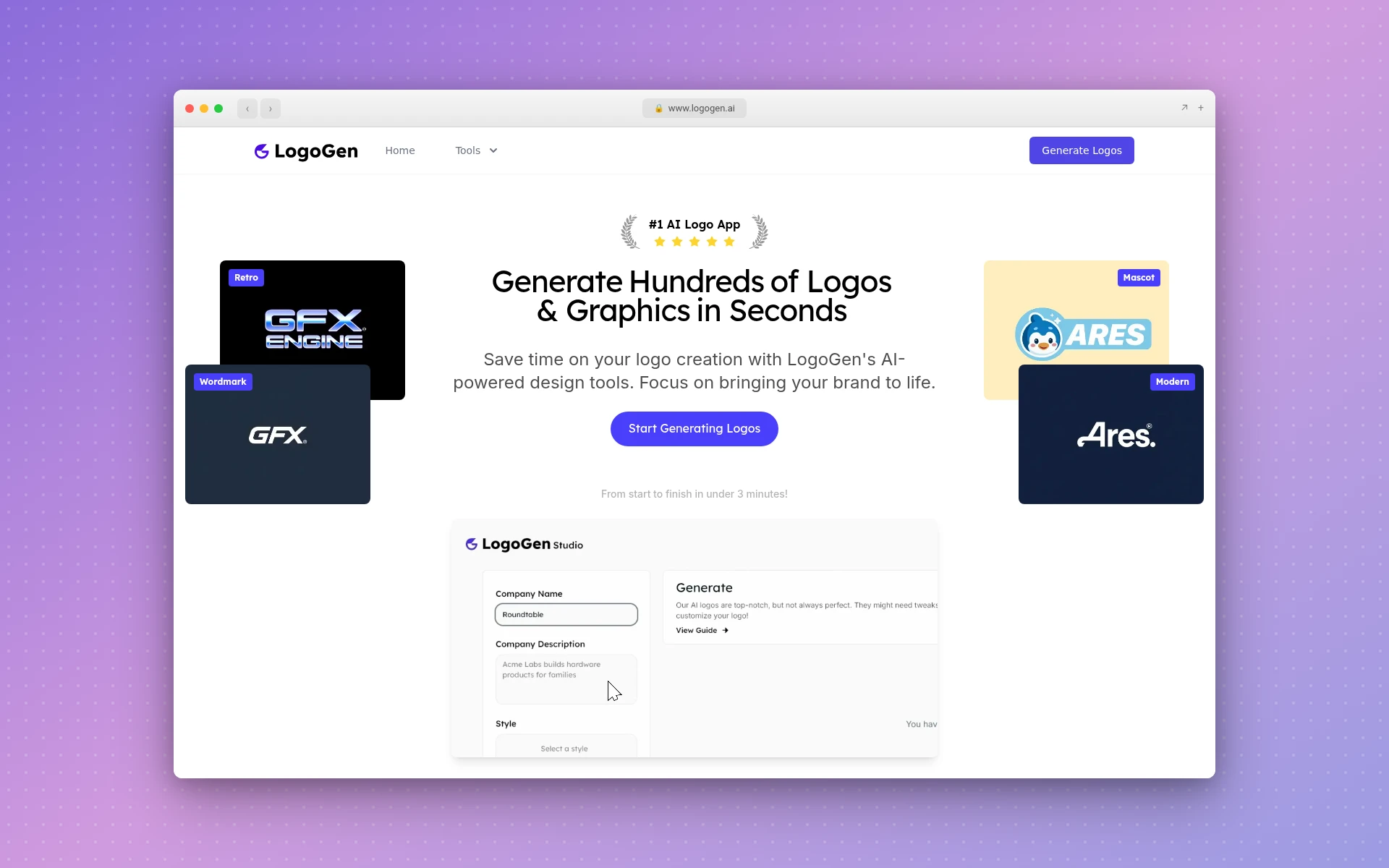
You describe your company with its name and a short description, choose a style and colors, and LogoGen generates logos. Its site says a new custom logo "typically takes <10 seconds" to generate, and the whole process runs "from start to finish in under 3 minutes!"
Why LogoGen Is the Best Logo Maker for Most Small Businesses
- No template to fight with. You start from a description of your business, not from a blank canvas, and the logos are generated from it.
- Low-quality results get filtered out. According to the FAQ, logos pass through an "advanced filtering algorithm to remove any low quality logos," and the Pro plan lists "Advanced Logo Filtering."
- You can pay once. The Essentials Package is $8 one time for "10 Unique Logos" and "10 High Quality Exports." The Designer's Bundle is $50 for 100 of each.
- Vector files when you need them. The Starter Plan ($29 per month, or $14.50 per month billed yearly $174) includes "8 Vector Image Exports," and every subscription can "Generate 3 Logos at a time."
Things to know before you buy: only the six paid plans are offered, so there's no free plan. The one-time packages don't list vector exports, and logos support English characters only.
Best for: a small business owner who wants logo options today and would rather pay $8 once than learn an editor or commit to a subscription.
2. Looka
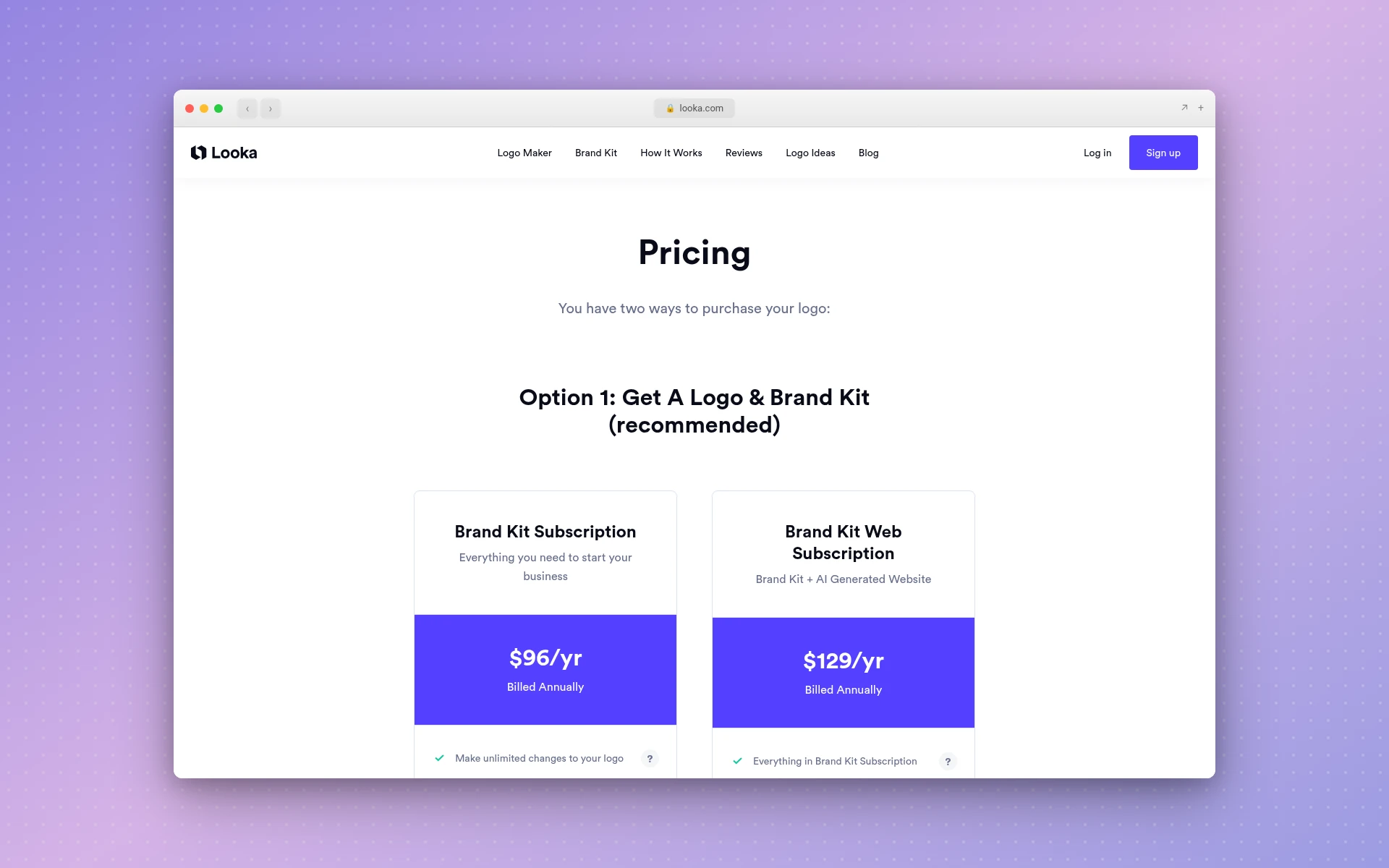
Looka's pricing page says "You have two ways to purchase your logo," and adds "It's totally free to make logos. Only pay when you're happy!" As of November 2026, the option it marks "(recommended)" is a logo with a brand kit: the Brand Kit Subscription at $96/yr, billed annually, or the Brand Kit Web Subscription at $129/yr, which adds an AI-generated website.
The second option, "Get A Logo Only," lists a Basic Logo Package at $35 and a Premium Logo Package at $72, as of November 2026. The subscription card also lists "Make unlimited changes to your logo," which matters if you expect to tweak your logo as the business grows.
Next to LogoGen, the entry price is higher ($35 against $8), and Looka's own recommended path is a yearly subscription.
Best for: owners who want their logo, brand kit and a simple website from one company on one yearly bill.
3. Brandmark
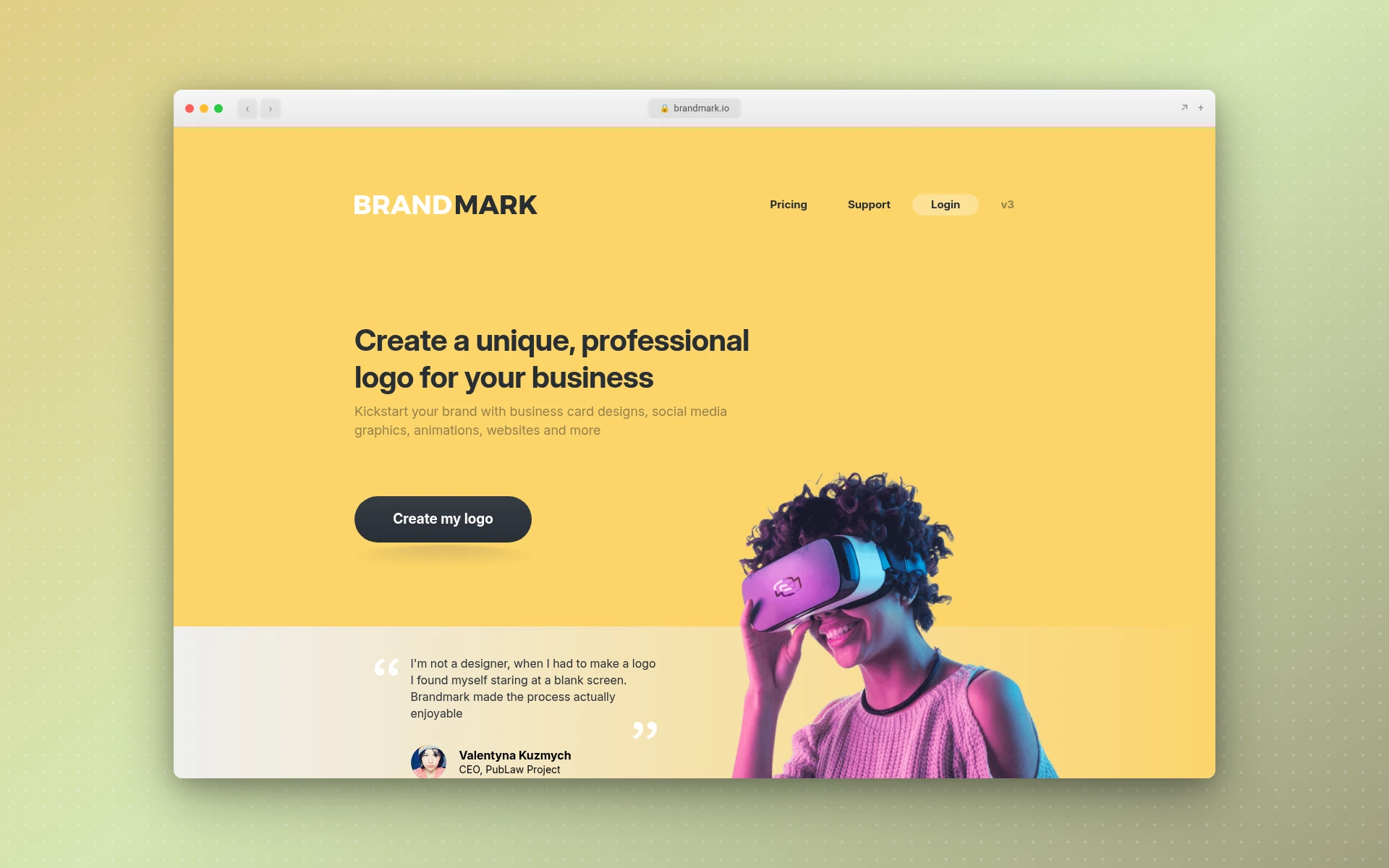
Brandmark's homepage says you can "generate unlimited logos for free" with "no account needed," and its plans are paid once. As of November 2026, its pricing page lists three one-time plans:
- Basic, $35 one-time: logo files in PNG and vector format
- Designer, $95 one-time: adds source files, unlimited design revisions, brand guidelines, a business card and social media designs
- Enterprise, $195 one-time: adds up to 10 hand-crafted concepts and a font download
As of November 2026, the pricing page also states "Full copyright included" and "No monthly charges," and the homepage says you can export to SVG, PNG and PDF, and create an icon with generative AI.
So the entry plan costs more than LogoGen's ($35 against $8), but it includes a vector file, which LogoGen reserves for subscribers.
Best for: owners who want a vector file and a stated full copyright for one payment, with no subscription.
4. Wixel by Wix
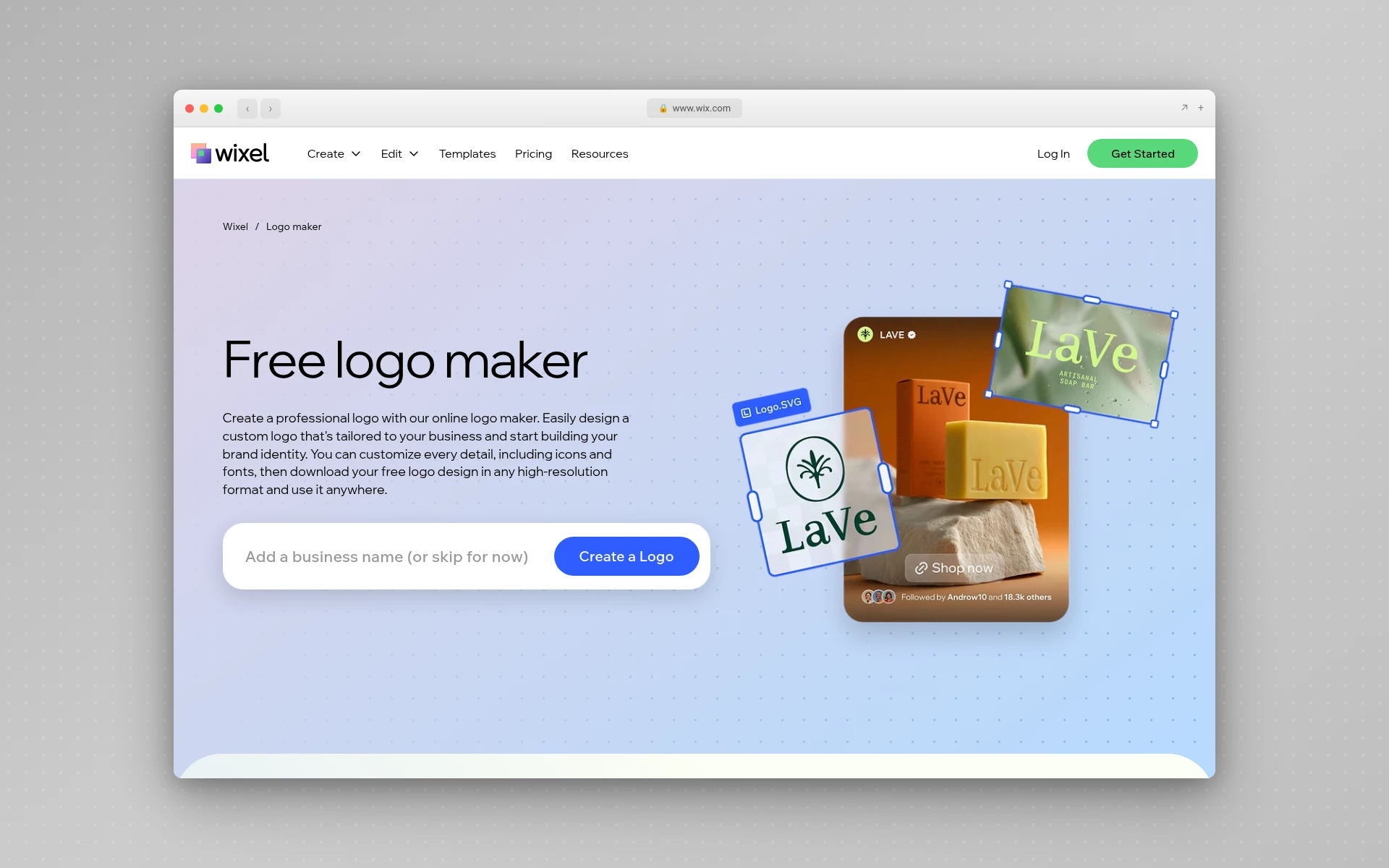
Wix's logo maker page, now called Wixel, says you can "create a professional business logo at no cost under Wixel's free plan" and download it at no cost. As of November 2026, it names SVG, transparent PNG and JPG files.
The free plan comes with "a certain number of AI credits," and each AI generation or AI edit uses some. Paid plans add credits, but the page doesn't list their prices.
One line is worth reading twice. As of November 2026, Wix says "the icons and fonts available in our library are licensed for commercial use," but the design elements "are not exclusive to you and are available to all Wixel users." Your logo is unique only in how you combine them.
Best for: a business with a $0 logo budget that still needs an SVG file for print.
5. Canva
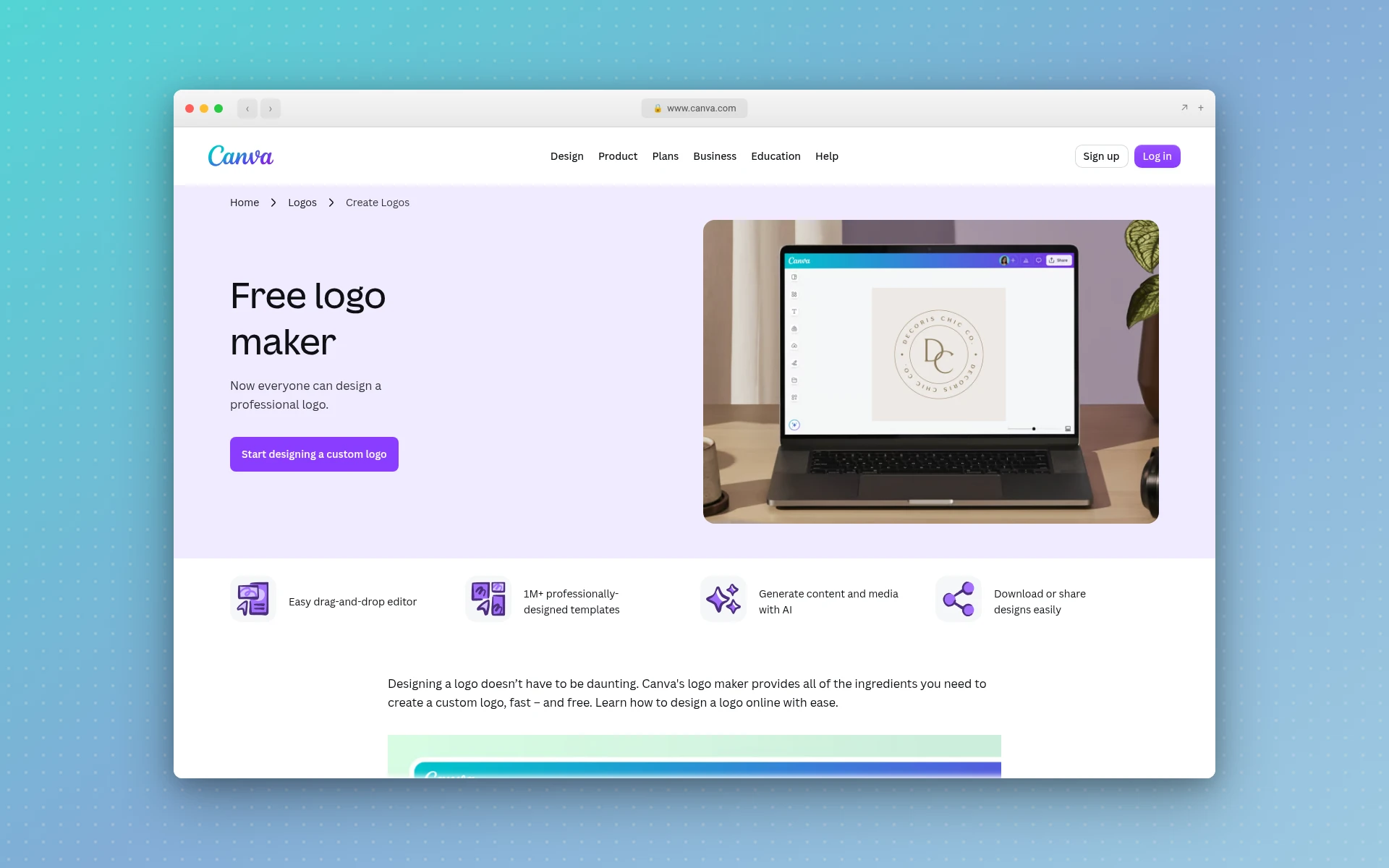
Canva's logo page calls itself a "Free logo maker." As of November 2026, it highlights an "Easy drag-and-drop editor," "1M+ professionally-designed templates" and the option to "Generate content and media with AI."
The workflow is template-first: you pick a design and edit it by hand. That's different from LogoGen, which generates options from a description of your business.
Best for: owners who already make their flyers and social posts in Canva and want the logo in the same place.
6. Adobe Express
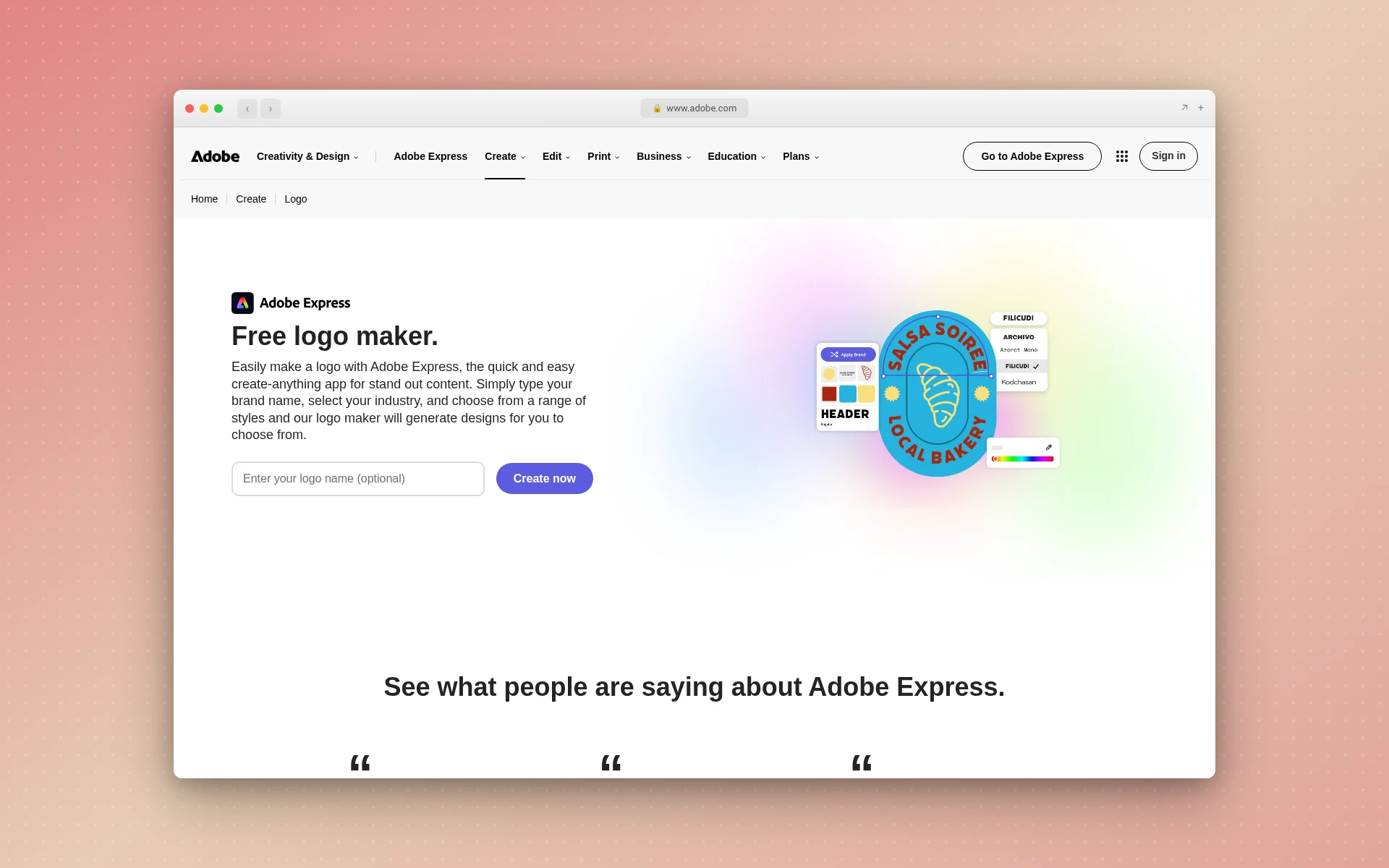
Adobe's logo maker page says "the logo maker is free for everyone." You tell it about your idea, pick an icon to generate a logo, then customize or download it.
As of November 2026, the page lists PNG, JPG and PDF downloads and says the logo downloads as a "square 500px by 500px file." The page doesn't mention SVG. If you want more, Adobe Express Premium is US$9.99/mo, with a 30-day free trial.
Best for: a quick free logo for a social profile or a first flyer, where a 500 px square is enough.
7. LogoAI
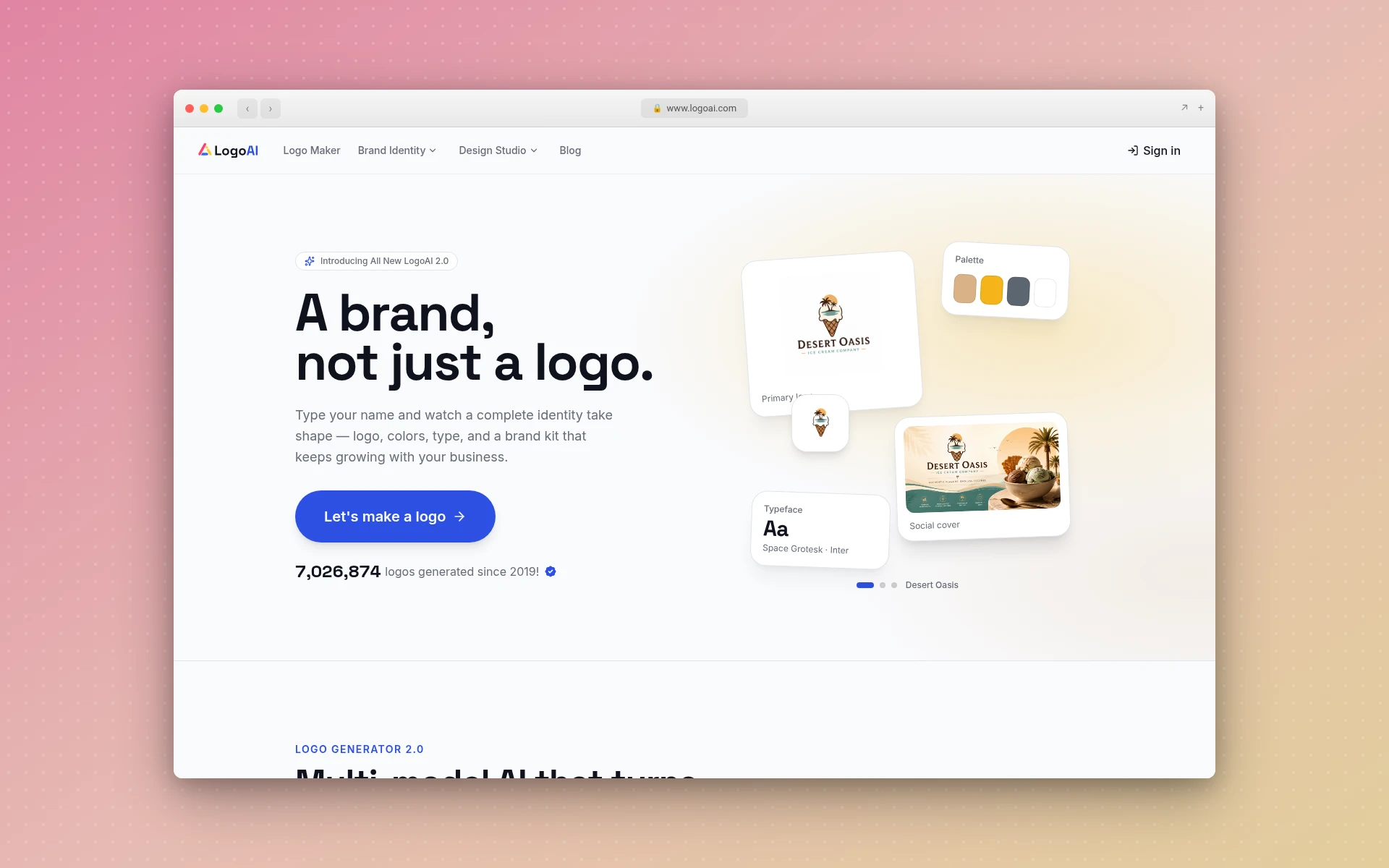
As of November 2026, LogoAI's homepage starts with "Type your name" and lists SVG, PNG and PDF exports, plus a brand kit with color palettes, font pairings, social assets and brand videos.
Its pricing page offers a 7-day trial for $10, and "the trial renews at $20 per month with 500 AI credits per month unless you cancel before the trial ends." The Pro plan is $20/mo. The page says "Paid LogoAI plans include commercial use of generated logos," and adds that this doesn't guarantee exclusivity or trademark registration.
Best for: owners who want logo animations and social media assets bundled with the logo, and are fine with a monthly plan.
How Much Does a Logo Maker Cost?
The lowest listed prices of the seven logo makers I checked on November 17, 2026 run from free to $35. Wixel, Canva and Adobe Express offer a free option, LogoGen starts at a one-time $8, LogoAI with a $10 trial that renews at $20 a month, and both Brandmark and Looka at $35.
The bigger difference is what the price includes. Only Brandmark's $35 Basic plan and Wixel's free plan confirm a vector file at their lowest price, as of November 2026. With LogoGen, vector exports start with the Starter Plan at $29 per month (or $14.50 per month billed yearly). If you only need a logo for your website and social profiles, a high-quality PNG often does the job. For signs, vans and embroidery, get a vector.
For the full picture, including what freelancers and agencies charge, see how much a logo costs.
Is There a Free Logo Maker for Small Business?
Yes. As of November 2026, Wixel, Canva and Adobe Express all say you can make a logo for free, and Brandmark says you can "generate unlimited logos for free" before buying a plan. LogoGen has no free plan, but its paid packages start at $8.
Free has trade-offs. As of November 2026, Adobe Express's free download is a 500 x 500 px square with no SVG listed, and Wix says Wixel's icons and fonts are available to all Wixel users. A logo built from elements anyone can use is harder to make distinctive, and distinctiveness is what a trademark needs.
Can You Trademark a Logo From a Logo Maker?
You can apply to trademark a logo you made with a logo maker, as long as it's distinctive and nobody else is using something similar. The USPTO says a trademark "can be any word, phrase, symbol, design, or a combination of these things that identifies your goods or services" (USPTO).
Two cautions. First, a logo built from shared template elements can look like other businesses' logos, which works against you. Second, copyright is a separate question: the US Copyright Office concluded in January 2025 that AI outputs "can be protected by copyright only where a human author has determined sufficient expressive elements," and that prompts alone don't count (U.S. Copyright Office).
Whichever tool you use, search for similar marks yourself before you print anything. The guide to trademarking a logo walks through the search and the filing.
Who Should Use Which Logo Maker
Match the tool to the job you have right now:
| Your situation | Pick |
|---|---|
| You want logo options generated today and a one-time payment | LogoGen |
| You want vector files later without switching tools | LogoGen Starter Plan |
| You want a logo, brand kit and website on one yearly bill | Looka |
| You want a vector file and full copyright for one payment | Brandmark |
| Your logo budget is $0 and you need an SVG | Wixel by Wix |
| You already design everything in Canva | Canva |
| You need a quick avatar-sized logo for social media | Adobe Express |
| You want logo animations and social assets on a monthly plan | LogoAI |
Whatever you pick, a few basics make any logo work harder. Keep it to one or two colors (here's how many colors a brand needs), pick a readable typeface from these fonts for logos, and test it at the size of a social media avatar. The minimalist logos guide shows how far you can simplify before a design stops reading.
How We Chose
On November 17, 2026, I read the logo maker page and the pricing page of each tool on this list, plus LogoGen's own pricing. For each one I noted the lowest listed way to get a logo, how it's billed, and whether that option names a vector or SVG file. Every price and quote above links to the page it came from.
I didn't rate design quality, and I didn't use third-party review scores. Every detail about a tool comes from that tool's own pages as of November 17, 2026, and where a page didn't state something, the table says so. Design.com was left off because its logo page lists no prices or file formats.
The ranking puts the tool that fits the most common small business job first: getting logo options generated fast without a subscription. That's LogoGen. The rest are ordered by how broadly their "best for" applies.
Frequently Asked Questions
What is the best AI logo generator for a small business?
For most small businesses, LogoGen. You describe your business, pick a style and colors, and it generates logo options, typically in under 10 seconds, with one-time packages from $8. If you need a vector file without a subscription, Brandmark's $35 Basic plan includes one, as of November 2026.
What do people on Reddit recommend for AI logo generators?
Reddit threads on the best AI logo generator mostly share personal picks, and they change often. Before you trust any thread, check the tool's own pricing page for two things: what the lowest price includes and whether you get a vector file. If you want generated options rather than templates, LogoGen is the one I'd try first.
Should I use a free logo maker or pay for one?
Use a free one if you need a placeholder for social media this week. Pay when you want options generated for your business rather than a template to edit. LogoGen's $8 Essentials Package gets you 10 logos and 10 high-quality exports. If the logo is going on signs, vehicles or packaging, you'll also want a vector file: LogoGen's one-time packages don't list vector exports, so pick its Starter Plan for that.
Do I need a vector file for my small business logo?
You need one for anything printed large or embroidered, because vectors scale without blurring. For a website or social profile, a high-quality PNG is usually fine. LogoGen includes vector exports on its subscription plans, starting with 8 on the Starter Plan.
Can I use an AI-made logo commercially?
That depends on each tool's terms, so read them before you buy. As of November 2026, Brandmark says "Full copyright included," and LogoAI says its paid plans include commercial use. If you go with LogoGen, check its FAQ for which plans state commercial rights before you choose a package. Separately, the US Copyright Office says AI outputs need enough human authorship to be copyrighted, and that can include "creative arrangements or modifications of the output," so adding your own changes helps.
Where to Go From Here
The right logo maker depends on the job: free templates for a quick placeholder, a brand kit subscription if you want everything in one place, or AI-generated options from a description of your business if you want to see real directions fast. For most small businesses, that last one is the job, and it's where LogoGen fits.
Start generating logos with LogoGen. Packages start at $8 one time, and subscriptions with vector exports start at $29 per month (or $14.50 per month billed yearly). If the name isn't settled yet, try the business name generator first, then pick colors with the color palette generator. For more inspiration, browse these logo ideas for small business, see what a logo mark is, and when you're done, export a transparent logo for your website.